Hi,When will your 7'' HDMI Display with Capacitive Touchscreen be available. Thanks.
 JaneYu 2017-11-23 14:07:35 9 Views49 Replies
 Hi,
When will your 7'' HDMI Display with Capacitive Touchscreen be available. Thanks.
The display works fine when connected to some devices, but on others, it displays very odd colors (everything with a very greenish hue - the display on the left is the DFRobot, the one on the right shows what should be displayed). https://uploads.disquscdn.c...
The device driving the display is a MediaTek Genio i350, it shows the right thing when connected to a different HDMI display.
Any idea what's causing this?
JaneYu 🔥🔥🔥 The touchscreeen doesn't work with my raspberry pi 4, at first it works perfectly with it and with my windows laptop, and i dont inderstand why it dosn't work now, especialy that i buy it 2 mounth ago
JaneYu Hi, Raspberry PI 4 is supported, and you only need to replace an additional HDMI cable.
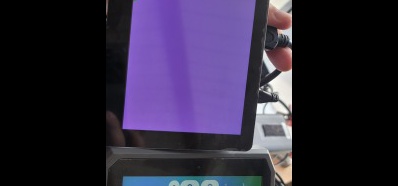
I have a 7'' display (dfr0506) (V3.0) with ubuntu machine, the display sometimes doesn't works after boot, although the touch seems to works fine.
I did a firmware update (with windows 10 machine) that seems to finished successfully.
The touch still works fine, but now the display remains blank and windows or linux do not recognize it.
How do I get the display working again?
Do you have a different firmware for the hdmi?
Is it possible that the firmware from your website is damaged?
JaneYu Can you please provide part number information on the pot switch that is used to change brightness on the screen? I am trying to figure out a solution for an installation where the brightness will need to be changed but the back of the unit will not be accessible.
JaneYu What is the dimension from the face of the screen to the top of the mounting standoffs on the back?
JaneYu Is it possible to dim this screen via software with Raspberry Pi or is the potentiometer the only way?
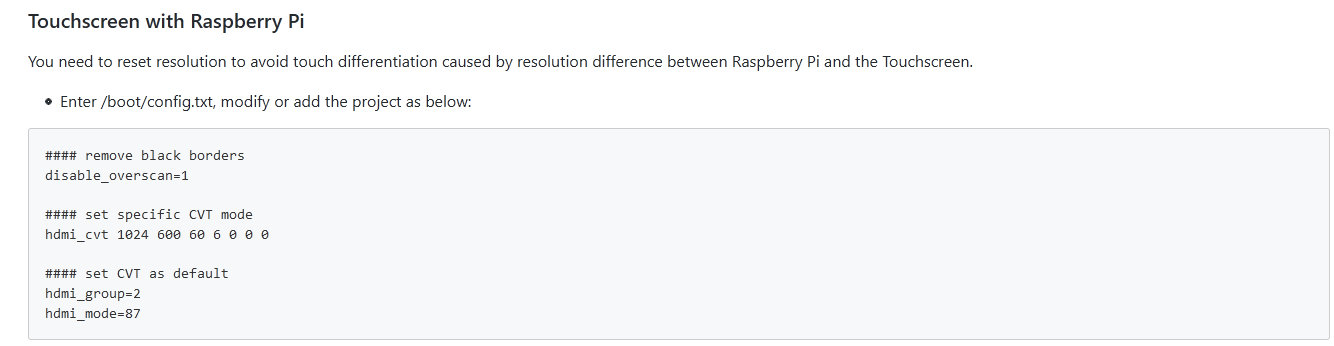
JaneYu I just received this screen and have paired it with a Raspberry Pi 3B. I've edited /boot/config.txt as per the wiki. When in console mode (no desktop) there is a thin line of a few pixels wide down the left hand side of the screen.
Has anyone else seen this issue and got a solution? It will be used for a touchscreen app so I need to try and get rid of this. I also connected it to a Windows PC and the line wasn't present so it seems to be a Raspberry Pi setting that's at fault.
JaneYu For anyone who is interested, I managed to solve this.
commenting out this line from /boot/config.txt cured the problem:
hdmi_drive=2
I don't think it is un-commented by default so I must have used it for a previous configuration, possibly when forcing the pi to use HDMI.
i bought this screen and connect with Win10 Enterprise Iot 64bit (connected HDMI and powered usb in my computer)
but touch is not work
do you know why?
JaneYu Hi Seung,
We have not tested with Win10 Enterprise Iot,. But you can try the followings:
were you able to make it work?
we are trying to use it but having problem.
just bought this https://www.dfrobot.com/pro... 7" capacitive touchscreen by DFrobot, and we are connecting it to a Windows 10Pro Mini PC, Z83-V.
the touch feature worked for 10 seconds then was gone.
it works also in the restore to a data-point of the Troubleshooting page, but stops working when back to the PC regular functionality.
We delate drivers and restore them, under device manager-HMI but I wasn't able to find a specific driver related to the touch screen.
Any help is much appreciated.
JaneYu Hi, how do i power the screen? CAn I just connect the HDMi to my lattepanda and the panda gets power from the power source? Will the screen power up?
JaneYu can you update the product dimensions? I measure my screen (including the bezel) to be 177mm x 112mm
JaneYu Hey,
Thanks for the questions. It can connect to the HDMI port of a raspbery pi, but needs some slight software tweaks/changes to get the touch function working. You can find the guide for that here: https://wiki.dfrobot.com/7'...
JaneYu I connected USB on touchscreen to RapssberryPi3 but touch does not work. Should I have to do firmware update? Or any have another solution?
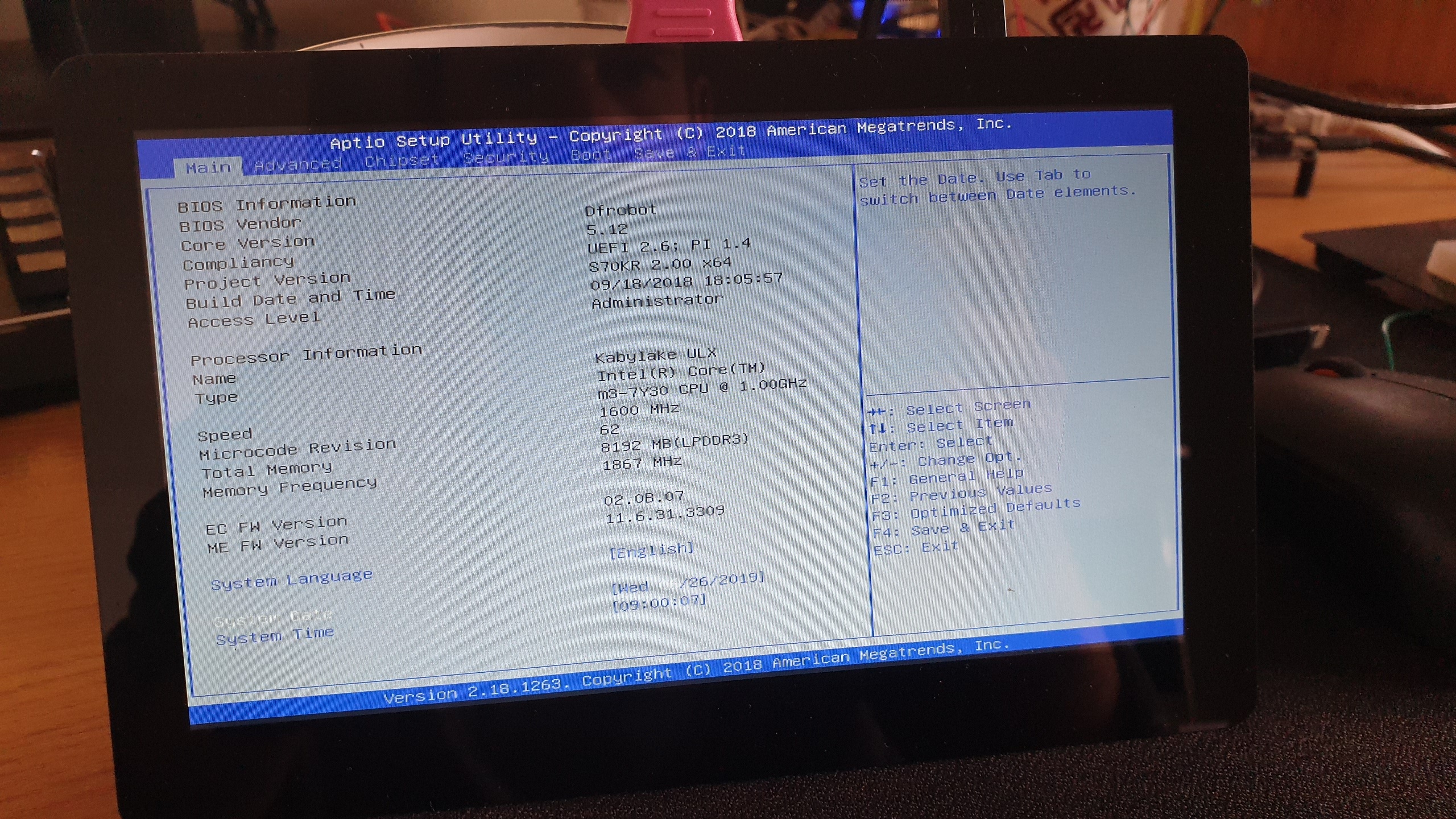
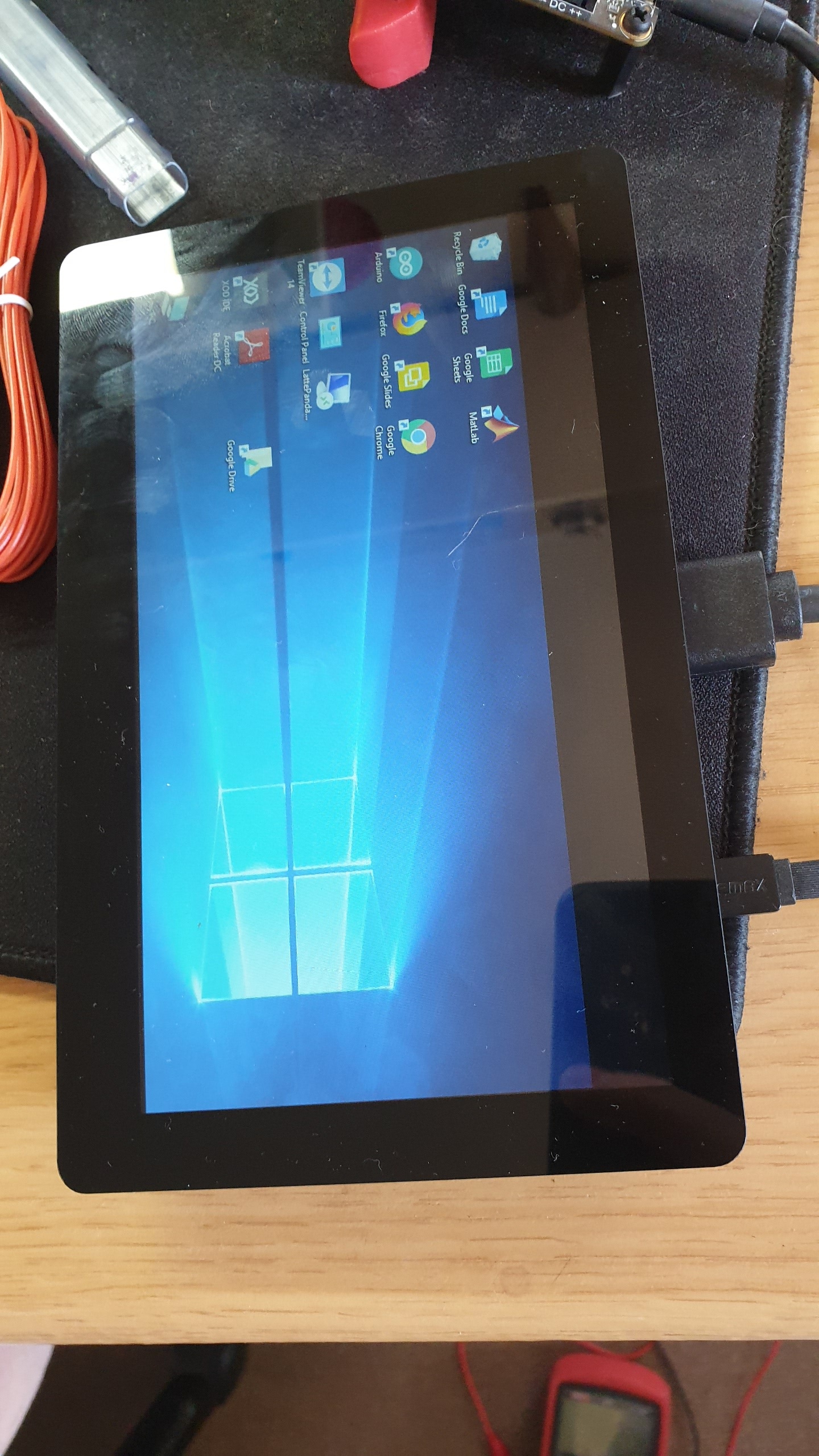
JaneYu I have tried adjusting the resolution but couldn't find a setting in either windows or the intel graphics that would fix the issue. I tried going into the BIOS of the LattePanda (dont think the type of system matters) which strangely used the whole screen and returned to the same problem when I got back to Windows? https://uploads.disquscdn.c...
JaneYu https://uploads.disquscdn.c...
I ran into this issue which seems to be related to the screen itself as the same resolution error occurs when different devices are connected to it. Before I attempt a firmware reinstall, I'd like to know if there is simple fix to this issue?
JaneYu Hi,
How do you power the screen?
There will be one HDMI port comes with this product. If you need a HDMI cable, check out this one: https://www.dfrobot.com/pro....
JaneYu