Question since I'm new to this kind of thing, would I be able to use this type of module in the Lattepanda 3 Delta's B-Key slot, and use it's on board Sim Card slot for things like...
 JaneYu 2023-01-01 13:25:22 112 Views10 Replies
 Question since I'm new to this kind of thing, would I be able to use this type of module in the Lattepanda 3 Delta's B-Key slot, and use it's on board Sim Card slot for things like mobile data or calls & texts?
I have the module connected on my carrier board over M.2 Key B.
However I do not see anything when running lsusb/lspci.
Do I need to configure something else to get it to work?
JaneYu Can anyone provide the most recent drivers? I'm not sure what the issue is but it is stuck on "turned off" in windows and it won't let me change it. I've confirmed the sim card works, and I'm able to send AT commands over serial.
JaneYu Hi, I is there a schematic of the M.2 adapter board or a pinout for the M.2 connector?
JaneYu Sorry, we don't have a pinout for the M.2 connector.
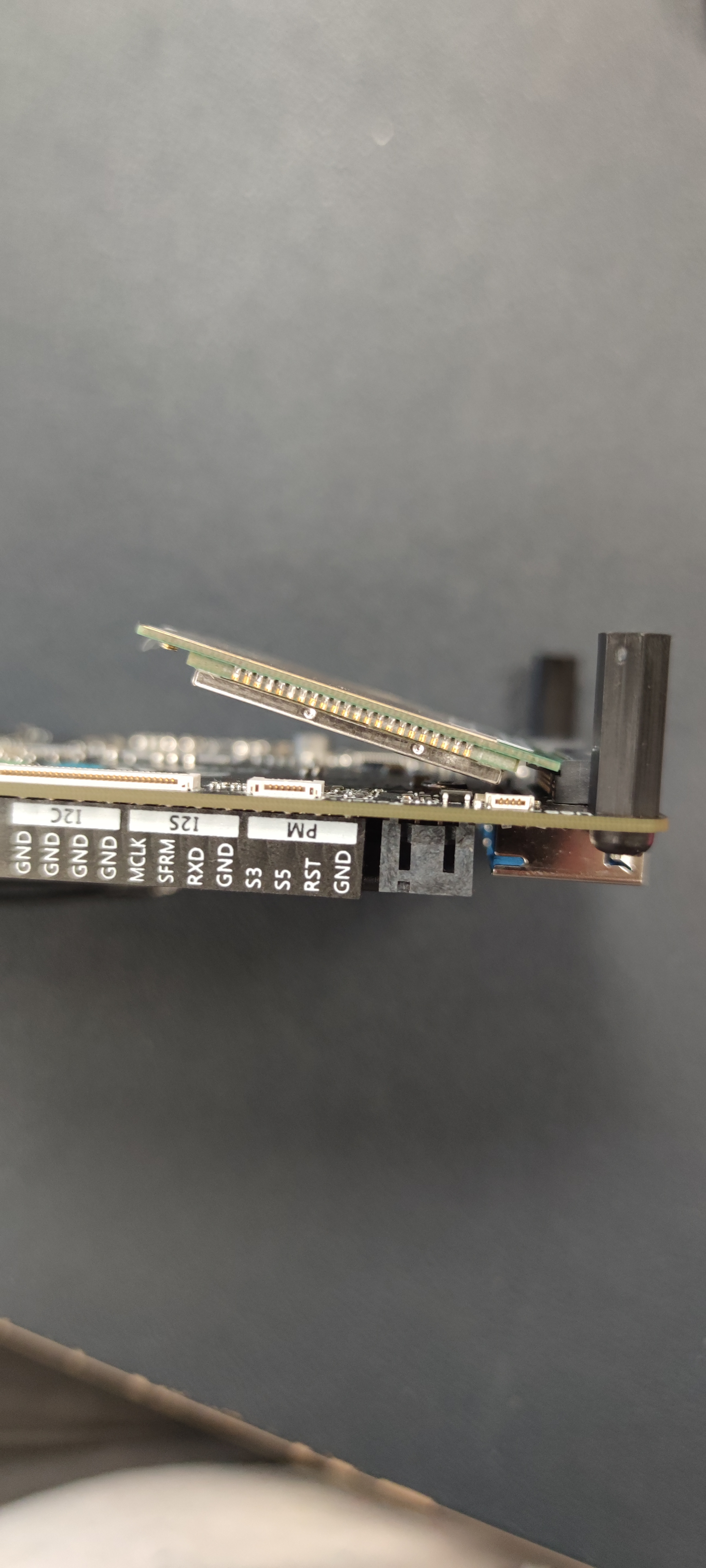
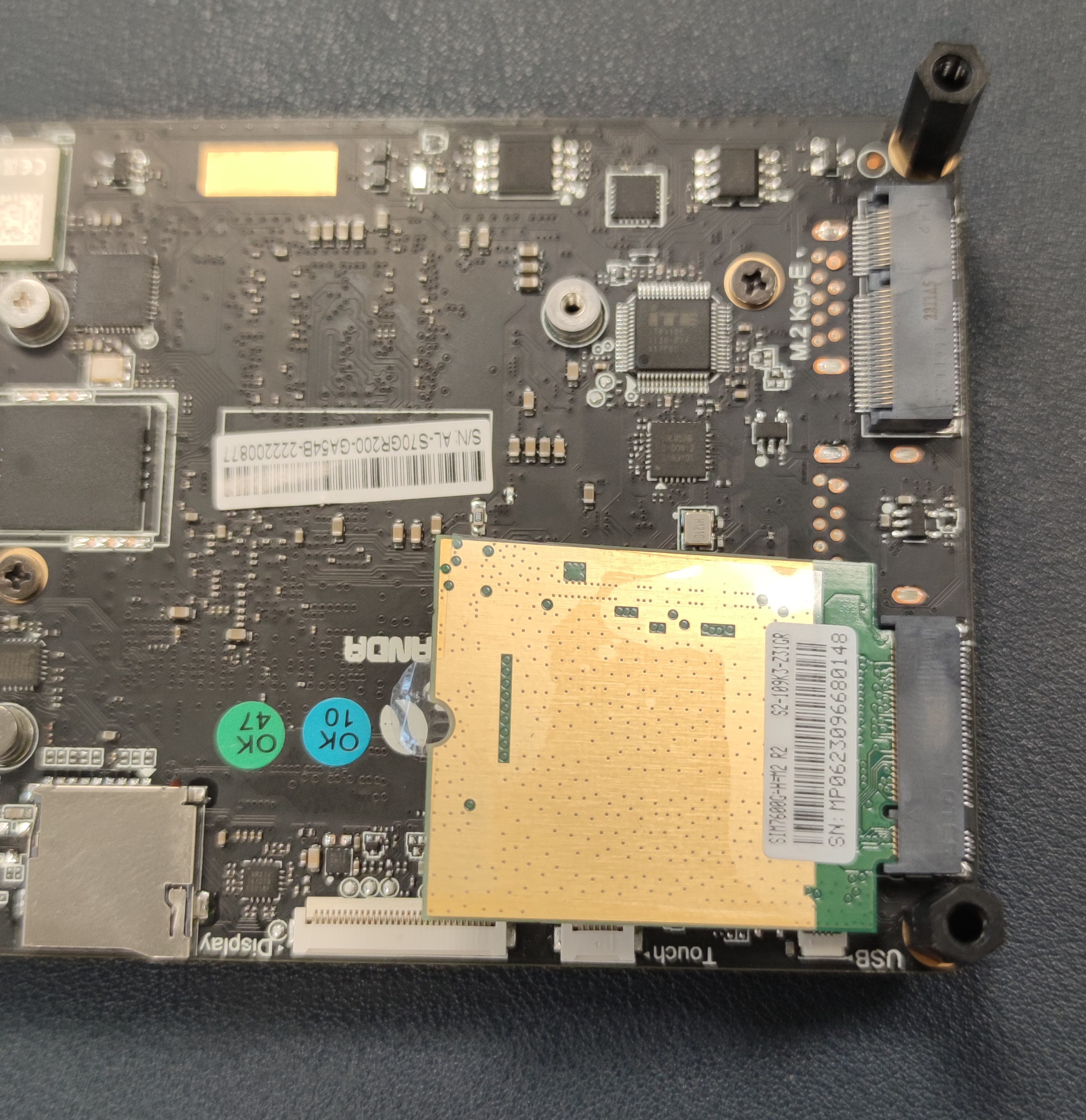
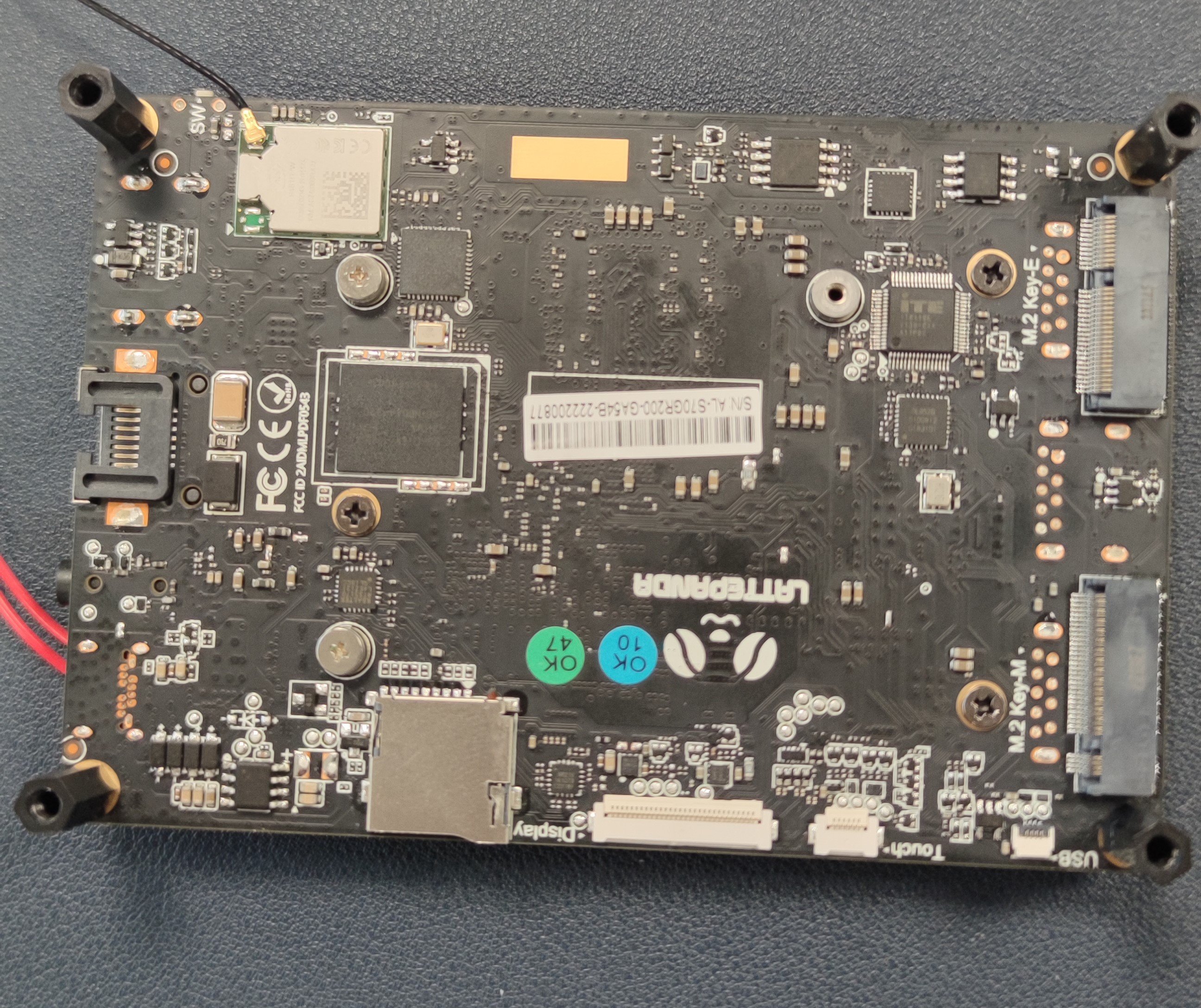
In the picture linked, you can see I don't have the same connectors. But the 4G module has the same connectors, just the integration seems to be not really powerful... It will be functioning correctly in this position? https://uploads.disquscdn.c... https://uploads.disquscdn.c... https://uploads.disquscdn.c...
JaneYu We think you have misplaced this Module.
You should install it on another M.2 B key and upside down the whole module.
Good morning, have you a documentation to explain how to connect to the delta? It's seems to be connected to a M2-B, also in the Delta it's a M2-M, it will be functioning correctly?
JaneYu You can use any carrier's SIM card to use the cellular data function of this mod
You can refer to this doc for detailed usage:
https://docs.lattepanda.com...
JaneYu Lattepanda 3 Delta, added with SIM7600G-H-M2 4G Communication Module at M.2 B key socket, inserted with SIM card.
Task bar shows Cellular turned off, cellular icon is not clickable to turn it on.
Network adaptor shows network status connected.
Cellular in setting shows Belong(LTE) Turned off.
Adaptor driver has been checked most updated one.
Power management tab has been unchecked from auto-power off.
adaptor card diagnosis shows "Use the switch on the front or side of the computer, or use function keys if available, to turn on mobile broadband capability on this computer."
Any hints to turn on cellular??
JaneYu Hi!
We have tested the following modules, which are working fine in the Windows 10 OS.
wiki:http://docs.lattepanda.com/...
JaneYu