Can I use it as IP cam with web server (interface) assigned to the IP??
 JaneYu 2023-05-06 06:19:52 51 Views23 Replies
 Can I use it as IP cam with web server (interface) assigned to the IP??
I would like to use this board with PlatformIO. However, the supported board only has 4MB of ROM. I would like to know if I can use it with PlatformIO, and if so, if the board can use more than 4MB of ROM.
JaneYu But can I read from the same A2 on the Firebeetle 2 ESP32-S3?
JaneYu FireBeetle 2 ESP32-S3 does not have this feature, its VBAT is not connected to any GPIO.
Is there any way to shut off the blinking red battery charge light? I would love to control it in software. I've been working with this thing on my desk for the last few hours, and every time it flips over, it blinds me again. I don't want to remove it physically, but... I might.
JaneYu I'm sorry to say that the charging LED is wired directly into the circuit and not into any GPIOs, so there is no software way to turn it off.
I would love to use this board with ESPHome, but I'm having a terrible time getting the esp32_camera component to work with it. The issue is that I can't get the AXP313A to turn the camera on, even with some creative use of a lambda in the on_boot.
Here's what I've tried, and you can see what I've tried to get at, and maybe where I've gone wrong.
# not a complete config, just the interesting bits:

esphome:
  name: 3dprinterspy
  friendly_name: 3dPrinterSpy
  on_boot:
    priority: -99
    then:
      - lambda: |-
          auto write_byte = [&](uint8_t reg, uint8_t data) {
            uint8_t buffer[2] = {reg, data};
            auto &i2c = id(bus_a);
            i2c->write(0x36, buffer, 2);
          };
          // use of OV2640 camera requires these voltages:
          uint8_t ALDOData = 7; // 1.2v
          uint8_t DLDOData = 23; // 2.8v
          // execute the power plan:
          write_byte(0x10, 0x19); // enable power
          delay(10);
          write_byte(0x16, ALDOData); // set DVDD voltage
          delay(10);
          write_byte(0x17, DLDOData); // set AVDD & DOVDD voltage
          delay(1000);

# important detail:
# I have a jumper wire running from pin 43 to pin 1 and pin 44 to pin 2
# because since esp32_camera can't use i2c_bus to share with others
# and ESPHome won't let me reuse pins in two places... (I was really trying...)
i2c:
  id: bus_a
  sda: 43
  scl: 44
  scan: True
  setup_priority: -100

esp32_camera:
  setup_priority: -50
  name: Camera
  internal: False
  data_pins: [39, 40, 41, 4, 7, 8, 46, 48]
  vsync_pin: 6
  href_pin: 42
  pixel_clock_pin: 5
  external_clock:
    pin: 45
    frequency: 20MHz
  i2c_pins:
    sda: 1
    scl: 2
  test_pattern: False
  jpeg_quality: 10
No matter what I do, I always end up with the "ESP_ERR_NOT_FOUND" error.
[18:11:25][C][esp32_camera:048]: ESP32 Camera:
[18:11:25][C][esp32_camera:049]:   Name: Camera
[18:11:25][C][esp32_camera:050]:   Internal: NO
[18:11:25][C][esp32_camera:052]:   Data Pins: D0:39 D1:40 D2:41 D3:4 D4:7 D5:8 D6:46 D7:48
[18:11:25][C][esp32_camera:053]:   VSYNC Pin: 6
[18:11:25][C][esp32_camera:054]:   HREF Pin: 42
[18:11:25][C][esp32_camera:055]:   Pixel Clock Pin: 5
[18:11:25][C][esp32_camera:056]:   External Clock: Pin:45 Frequency:20000000
[18:11:25][C][esp32_camera:060]:   I2C Pins: SDA:1 SCL:2
[18:11:25][C][esp32_camera:062]:   Reset Pin: -1
[18:11:25][E][esp32_camera:123]:   Setup Failed: ESP_ERR_NOT_FOUND
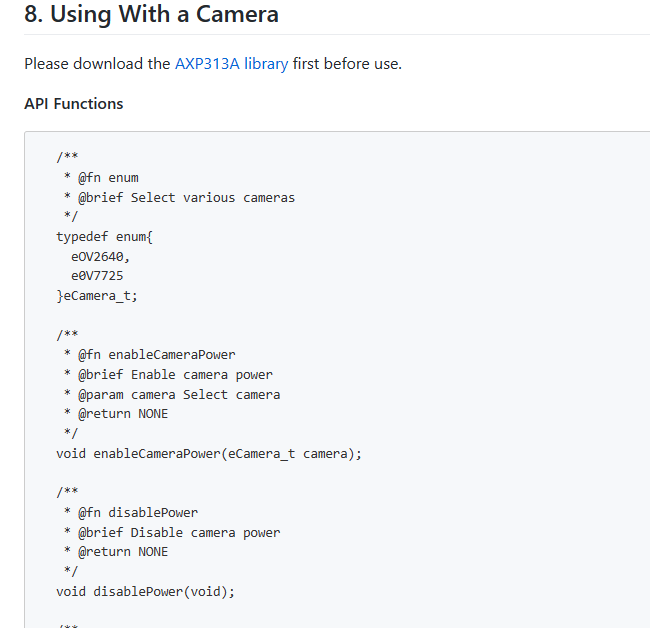
JaneYu You can try using the Arduino library to drive your camera, which we wrote a sample code in wiki, it is possible that your camera power supply is not enabled.
We got PH2.0 battery interface.
And there is battery solder pad under the PH2.0.
JaneYu Hi Team,
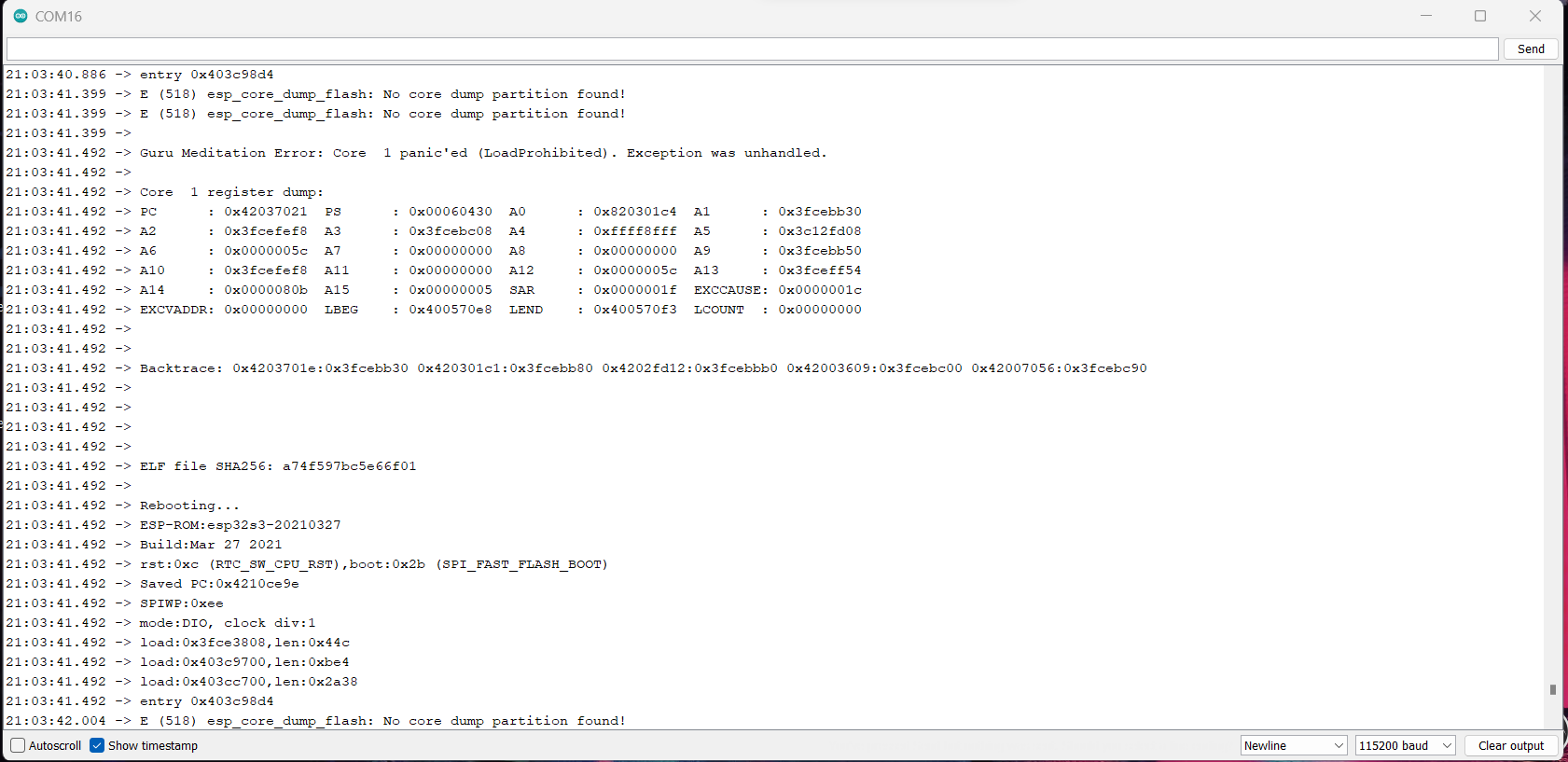
I have tried to use the web cam example from the library, but it's showing this in the serial monitor. I have tried with different partition schemes.
https://uploads.disquscdn.c... .
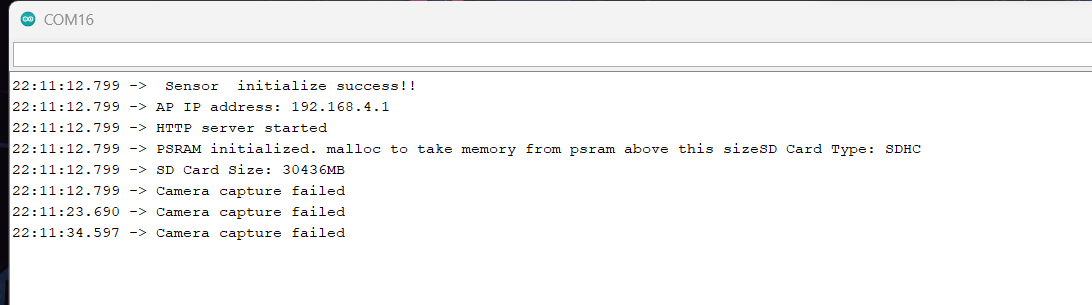
Then I found this one example project(https://community.dfrobot.c..., but this also returns this message in the serial monitor. Any ideas?
https://uploads.disquscdn.c...
Regards,
Pradeep S.
JaneYu Hi Team,
I just resolved this by myself, the issue was the wrong camera pins. Use this https://wiki.dfrobot.com/SK... camera pins, the default one from the library example needs to change in pins.
I bought a few boards, I thought they provide the source code for web server camera. But they don't. Quite upset!
JaneYu pls check the advanced wiki:
https://wiki.dfrobot.com/SK...
Hope that helps!
https://uploads.disquscdn.c...
It's an esp32. You can do anything you wish with this thing. The sky is the limit!
JaneYu Does it support FOTA (firmware over the air)
**, you just added this while I was searching for something better than your previous one. This looks awesome!
P.s. zooming pics on the "(Wi-Fi & Bluetooth on Board)" doesn't work. Btw, what is that?
JaneYu