FYI. There is a bug which makes the lcd don't work with the library in arduino.cc ide 1.6.6 and 1.6.7.
 JaneYu 2016-01-21 09:32:29 8 Views25 Replies
 FYI. There is a bug which makes the lcd don't work with the library in arduino.cc ide 1.6.6 and 1.6.7.
Please install the library from this Github repo:
https://github.com/johnrick...
JaneYu What is the type and part number or source for the mating connector for the I2C connection to the display?
JaneYu SOLVED!
I added pull-up resistors on the SCL and SDA lines.
Solved all issues.
JaneYu Hi
How do i use this display with AtmelStudio7 on an atmega328pb-xplained? Open an arduino sketch with atmelstudio didn´t work. Thanks in advance.
JaneYu Hi, we more often use the lcd1602 with arduino main board in arduino ide. If you use in other plate, you need to adjust by your self.
if you mean to an external dc power supply, that did not help. the LCD has power. Is something wrong with the address?
JaneYu Is this LCD compatible with Arduino Uno Wifi Rev2.? When I upload a sample LiquidCrystal_I2C/Hello world example nothing hapens.
JaneYu Hello do you have the datasheet of the LCD? and not the datasheet of the driver chip. I want to know the operating temperature range of this LCD.
JaneYu I just testing a sample as follows. But words was displayed but I can hardly see the words. What could have been the problem?
#include <wire.h>
#include <liquidcrystal_i2c.h>
LiquidCrystal_I2C lcd(0x27,16,2); // set the LCD address to 0x3F for a 16 chars and 2 line display
void setup()
{
lcd.init(); // initialize the lcd
// Print a message to the LCD.
lcd.backlight();
lcd.setCursor(0,0);
lcd.print("Hello world");
lcd.setCursor(1,1);
lcd.print("MICROBIT");
lcd.noCursor();
}
void loop()
{
}
JaneYu Thank you this has worked. The lcd Module is connected only on A4 and A5 port of the Arduino? Is there a way to define other ports, because i already use them for an accelerometer?
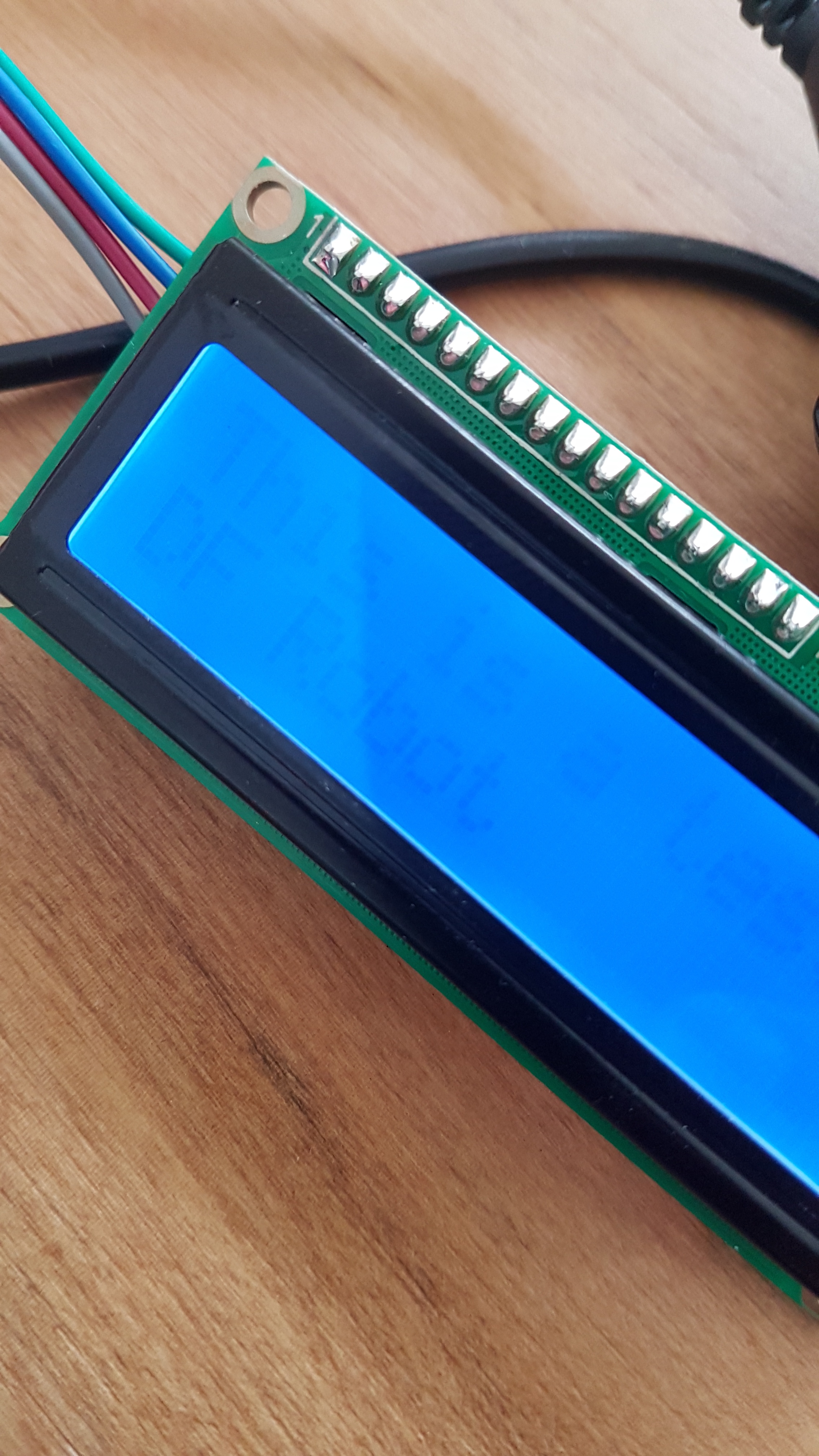
JaneYu i was able make it work but the contrast its so low you can bear it see it using microbit. i have tested on mind+ and i was able to make it work on make code using https://makecode.microbit.o... . i have the contrast into maximun
i tested on arduino works perfect. i tested using microbit and macqueen the textt its not shown. finally i did use the dfrobot driver expansion board for microbit and you can bear see the text written on the lcd its useless.
fyi if i power down the lcd from the expansion board and i power it again, i get some odd characters (not what i ment to write on the program) but with good contrast. but when i power on the microbit to initialize the lcd you can bear see what its written on the lcd.
oi have also used 2 different microbit to be sure its not something related to one board.
i have also powered with a 1amp charger to avoid powering issues and the problems continue
is there any recommendation?
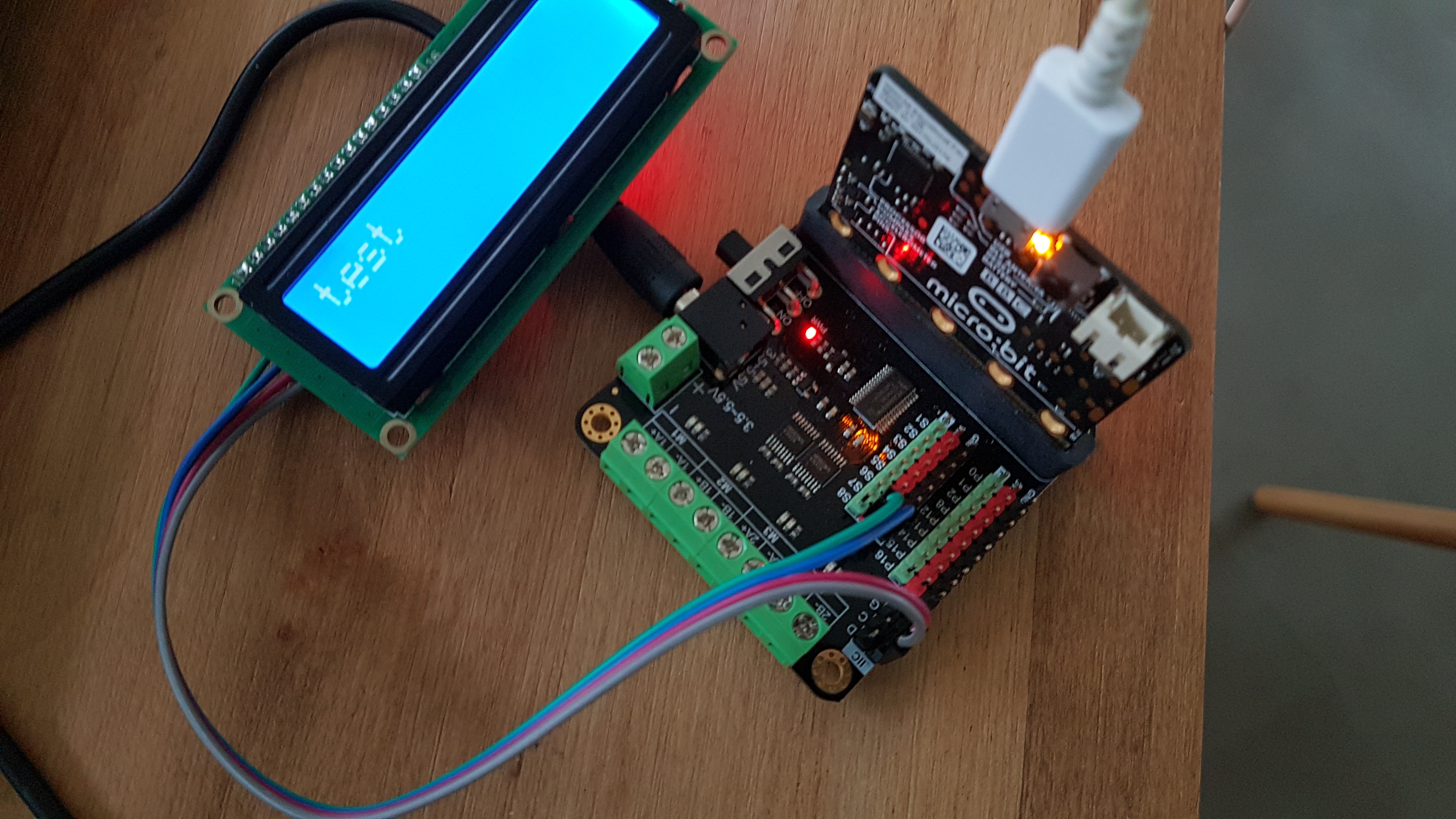
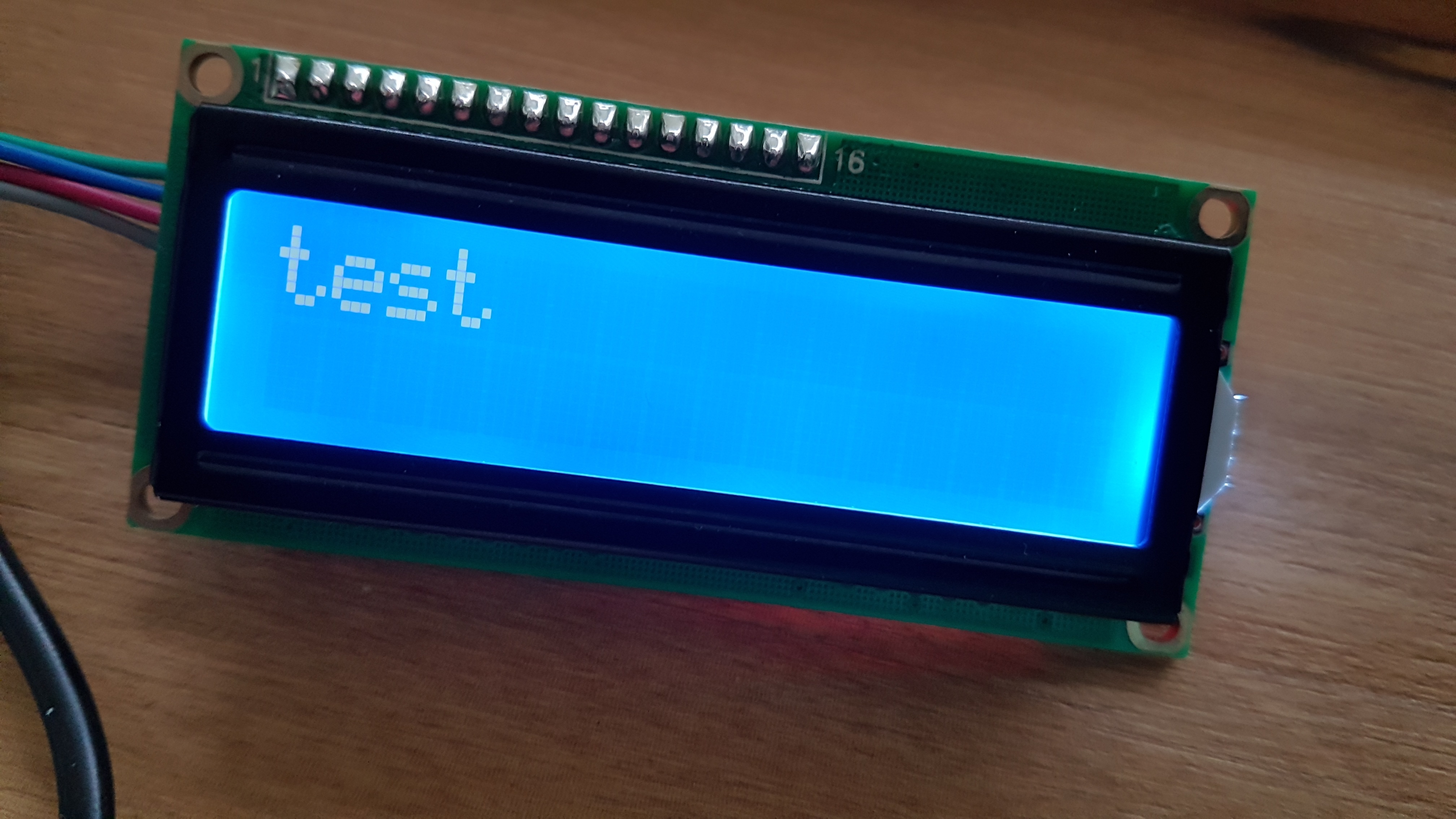
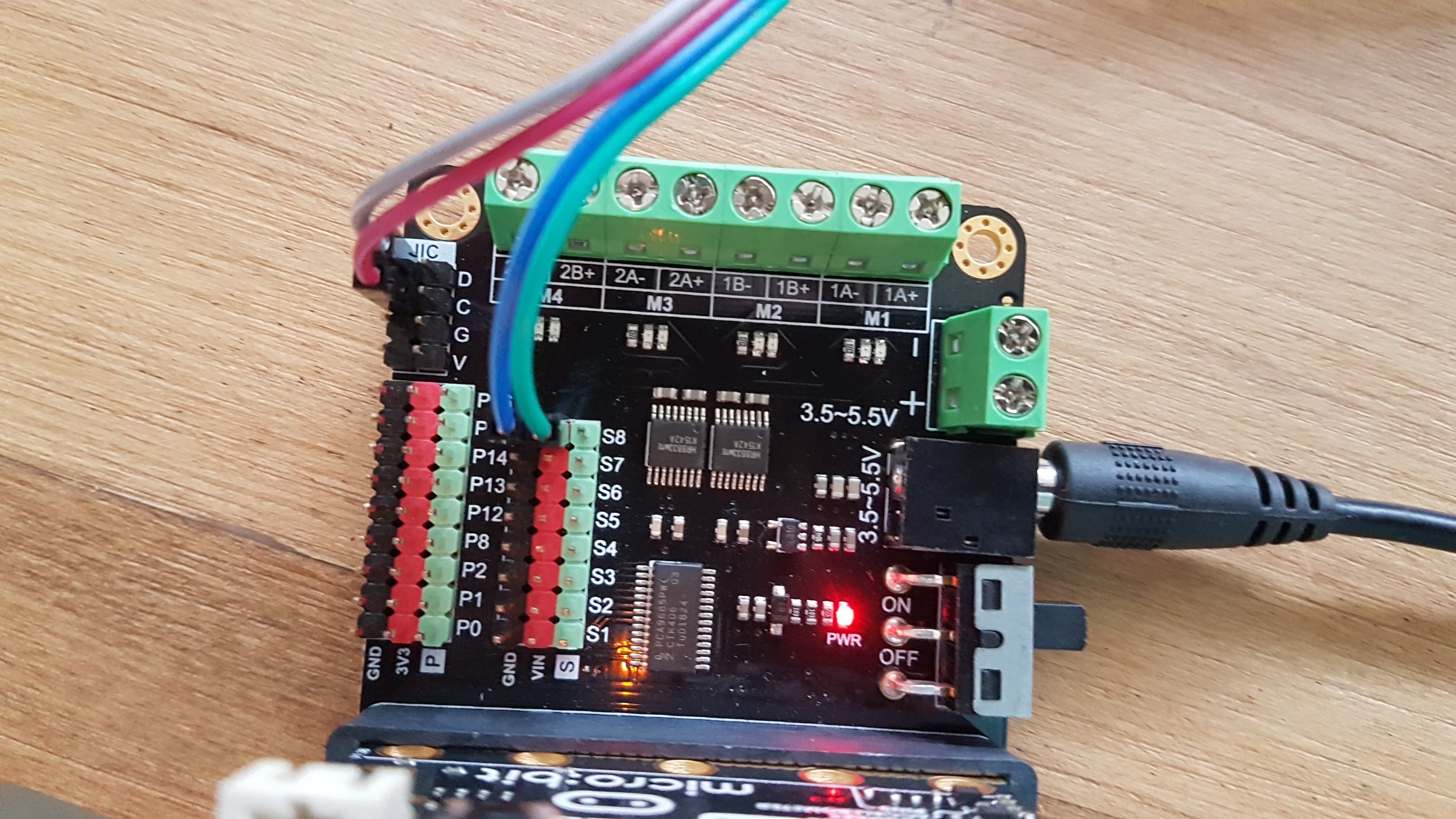
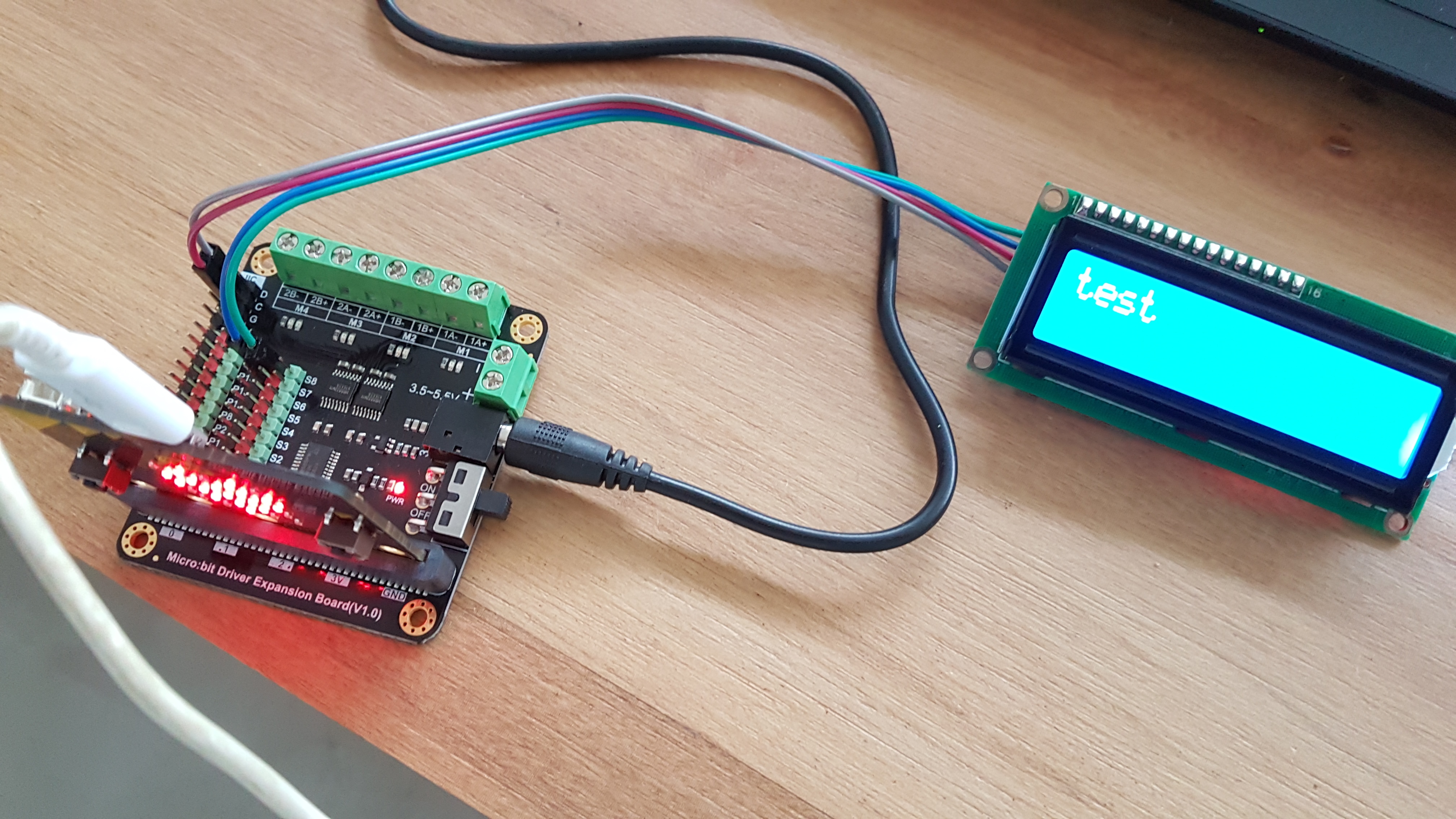
JaneYu i was able to fix the problem. the issue is that the i2c that brings microbit expansion board has 3.3v on vcc. i powered the lcd from the servo pins and all its ok.
please don't recommend this lcd to be used with micro:bit its not 3.3v compatible.
i can confirm that the lcd1602 library that its included on makecode does it works with this lcd
https://uploads.disquscdn.c...
https://uploads.disquscdn.c... https://uploads.disquscdn.c...
What softwares can I use to program the code?
JaneYu Arduino IDE is the program environment for all Arduino board, you can download from the official website, you can find a tutorial about how to use Arduino IDE from here: https://www.dfrobot.com/blo...
Hi, what is the proper connection to the I2C communication interface (e.g., JST Jumper 4 Wire Assembly)? I wish to connect 4 wires assembly directly to it.
JaneYu To avoid the confliction of I2C address with other I2C devices, such ultrasonic sensor, IMU, accelerometers and gyroscope, the I2C address of the module is configurable from 0x20-0x27. And its contrast can be adjusted manually.
JaneYu I download the Arduino I2C 1602 LCD Library, but when run the HelloWorld example, the LCD only diplay the first letter.
JaneYu Hi, I am currently having issues when connected to an Arduino Due, the LCD screen displays nothing at all.
Does any one have a solution for this please?
JaneYu Maybe you can share your code on github or stackoverflow
Any news related to the bug that affect newer versions of arduino ???
JaneYu Try this one, we'll update wiki recently https://github.com/marcosch...
It will only show the first letter e.g. in Hello World - H only...
With arduino.org 1.7.x no bugs based on my test.
JaneYu Ya I had same problem , "I" solved this problem download this new librayr from github
https://github.com/marcosch...
HI, please try the classic Arduino IDE 1.0.x. There is a compatible issue with high version
Of course, Romeo BLE is using Atmega328 as MCU, it is totally compatible.
JaneYu