Hi there --Just received my Bluno and I can see with `AT+VERSION=?` that the firmware is 1.9.7.I've got a less recent one that is still on 1.9.6 that I would like to update.Are you...
 JaneYu 2016-09-26 20:18:53 5 Views21 Replies
 Hi there --
Just received my Bluno and I can see with `AT+VERSION=?` that the firmware is 1.9.7.
I've got a less recent one that is still on 1.9.6 that I would like to update.
Are you planning on releasing the 1.9.7 firmware soon?
Thanks,
Ladislas
It may be that the low-quality cable causes the computer to fail to recognize the motherboard. Please replace the cable.
JaneYu Hello,
Please refer to the link below:
https://www.dfrobot.com/for...
if it still doesn't fix your problem. please contact out store team for RMA.
JaneYu Hello
Are you using the Bluetooth that comes with your phone to connect?
Can you transfer data to mega by your Samsung galaxy 3?
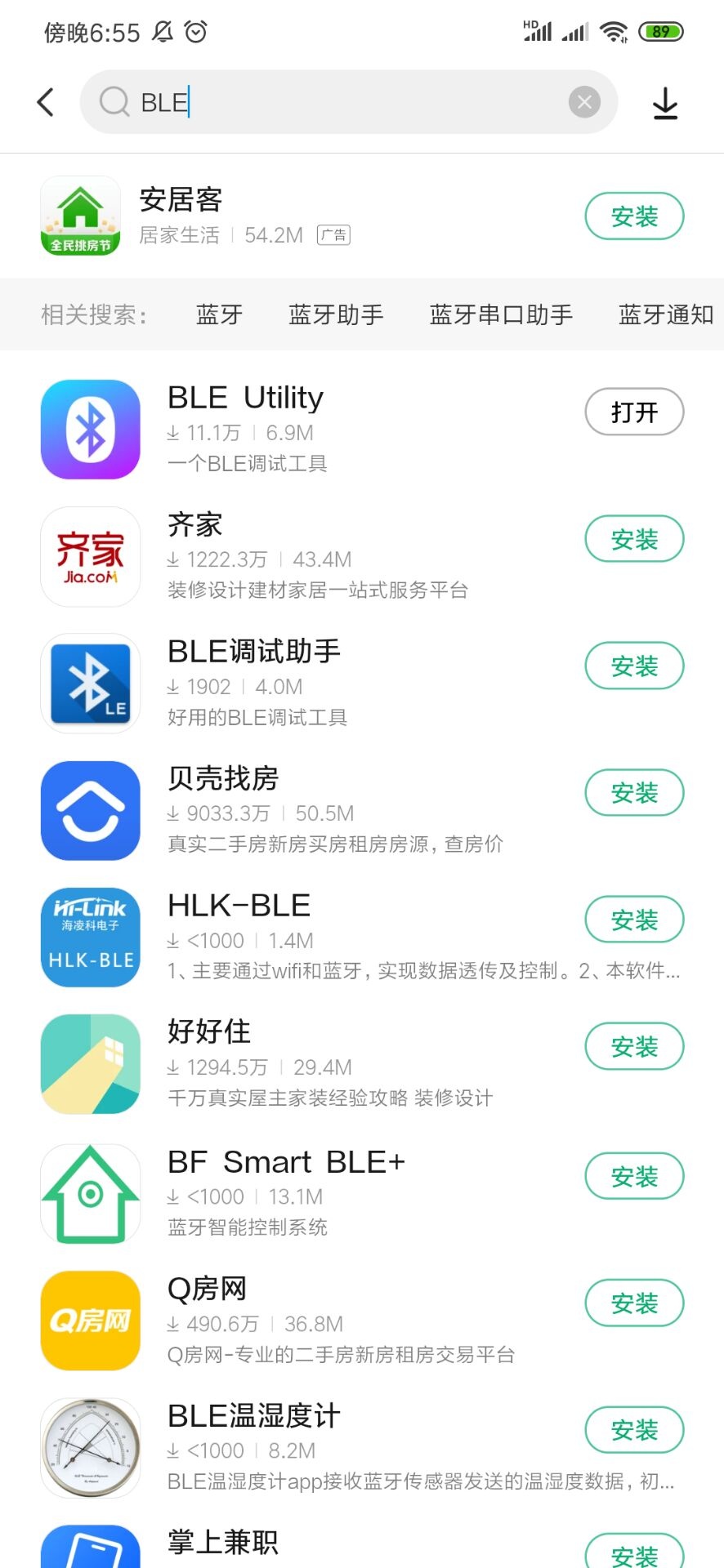
If it is a relatively new Android phone, I suggest you download a BLE app directly. We all use the APP to connect.
You can download the first APP on the list.
JaneYu What is the password for the bluetooth pairing?
JaneYu Hi Jean.
You can try 123456.
But i remember that there is no password about this sensor
Maybe you should update your firmware.And download BLE as our wiki's tutorial.
Hello,
I bought 2 boards of Bluno Mega 2560 - An Arduino Mega 2560 with Bluetooth 4.0 having problem on uploading program with avrdude with time out error.
Could you advice how to sort out.
Thanks
Swe Zin
JaneYu Hi
Have you tried to upgrade the Bluetooth firmware? https://www.dfrobot.com/wik...
Is there a test for the firmware? HOw can one test to see if there is a problem with the bootloader?
JaneYu Normally the bootloader of mega is not lost, you can try update the bluetooth firmware or burn the bootloader for CC2540 chip. If these method can not work, then it maybe is a problem of the bootloader of mega.
on all 5 blunos that i bought? I unpacked two of them fresh from the antistatic bag and tried to upload ANY sketch that is a bit longer than just two lines and all 5 of them fail.....multiple computers multiple ides......even linux with just avrdude (hex file from arduino ide copied to linux comp and uploaded with avrdude from commandline) if "bigger" sketch........cca 20 to 30 times that one upload is successfull.......
BR
Ales
JaneYu No problem with the code itself - problem ONLY with uploading the code over USB.
I bought this unit at mouser as it was at the time the only Mega2560 "arduino" on stock (no need to use bluetooth).
If i upload 10 times or 100 times once will upload without timeout during writing and I set reading verification and there is mismatch between hex that should be written and what is read from it.
So in short no CODE problem - problem with UPLOADING the code over USB from comp.
BR
Ales
PS will send an email to support.
JaneYu Hello I bought 5pcs of Bluno Mega2560 and it is useless as i cannot to program them. Tried several diff usb cables different computers IDEs.........
Nothing helps . Anyone Any suggestion?
ERROR:
Writing | ###############################################avrdude: stk500v2_ReceiveMessage(): timeout
avrdude: stk500v2_ReceiveMessage(): timeout
avrdude: stk500v2_ReceiveMessage(): timeout
### | 100% 30.57s
avrdude: verifying ...
avrdude: verification error, first mismatch at byte 0x0000
0xff != 0x84
avrdude: verification error; content mismatch
I can upload small sketches with no problem.
but with sketches using:
Sketch uses 30298 bytes (11%) of program storage space. Maximum is 253952 bytes.
I need to sit by BLUNO mega 2560 almost a whole day for it to program it once correctly.
Anybody have any info about this? Have seen quite some posts with the same problem but no solutions.....well except that try another IDE or your computer is broken or something similar.
If i use ARDUINO MEGA 2560 i can program it almost with wooden ABAKUS.
DFRobot if you care about your products please suggest something.
BR
Ales
JaneYu Does anyone have tutorial for this board?
DFRobot seems to have removed the link for the tutorial.
JaneYu Yes, tried all those things. Other Arduino upload perfectly, cable does not change the result.
I noticed some corrosion around the ATMega256 chip legs, possible that something is shorting or breaking.
JaneYu Could you take a picture of the board especially the corrosion part, and please set all to DEFAULT in AT mode and then upload the new firmware
You can use an IO expansion shield, it expanse 5V/GND pins
https://www.dfrobot.com/pro...
JaneYu I have tried with a Arduino UNO Clone board, works perfectly every time. I have not tried other IDE.
JaneYu Power supply is either a DFRobot arduino lipo battery or the RB-Dfr-607 battery charger when the SIM808 is present and active.
Once the bluno is dead, USB connection with no shield gives no comm port
How about going to the forum ?
JaneYu Hi there-
There seems to be an important problem when using the bluno mega2560 with the SIM808 shield.
Basically I plugged the SIM808 shield to a standard MEGA board (not the bluno), redirecting the shield TX/RX pins to the mega Serial1 port. This way I can communicate with the arduino using the usb/serial and the arduino can talk to the SIM808 on the Serial1.
Works great with the standard MEGA board. I've defined serial commands to power up/down the 808, send AT commands, send text messages. Using the DFRobot_SIM808 code and library. All good.
Doing this with the bluno actually kills the bluno board. I can send my program to the bluno, send benign serial commands (like AT) but as soon I try to power up the 808 modem, the bluno crashes such that it is no longer seen on the USB port (it is not seen on bluetooth either). I've repeated that with two bluno MEGA boards, thinking the first one had an earlier firmware. The second time, I upgraded the firmware to 1.97 before trying anything.
Well I'm now the owner of two bricked bluno MEGA boards and I've lost time and more than 100$ on that
JaneYu