



_300x200.jpg "Gravity: Digital Push Button (Red)")
_300x200.jpg "Gravity: Digital Push Button (Yellow)")
_300x200.jpg "Gravity: Digital Push Button (Green)")

You have chosen:[[togetherChouseinfo.num]]
Total amount: [[currency]][[togetherChouseinfo.price]] [[togetherChouseinfo.price]][[currency]]




You have chosen:[[togetherChouseinfo.num]]
Total amount: [[currency]][[togetherChouseinfo.price]] [[togetherChouseinfo.price]][[currency]]
Simple Analog Knob Input for Arduino Control and Interaction Projects. This 300° analog rotation potentiometer module converts knob position into a voltage signal, making it easy to add manual control to Arduino and other 3.3V–5V microcontroller projects. It is suitable for adjusting LED brightness, motor speed, sound volume, menu values, sensor thresholds, or MIDI-style control inputs.
With the Gravity analog interface and included analog sensor cable, the module offers a cleaner connection method than loose potentiometer wiring, making it suitable for beginners, classroom projects, and quick prototyping.
Why Choose This Sensor
A bare potentiometer often requires manual wiring, soldering, and extra mechanical mounting. This Gravity potentiometer module provides a ready-to-use board with connector, cable, mounting holes, and a stable analog interface, making it easier to add a physical knob to Arduino projects.
Compared with buttons, the potentiometer provides continuous value adjustment instead of simple on/off input. Compared with rotary encoders, it is easier to read and more suitable for basic analog control projects that need a fixed knob position.

Rotating this sensor can input different voltage which can change Brightness of this LED.

What is potentiometer?
A potentiometer is an instrument for measuring the potential (voltage) in a circuit. A fraction of a known voltage from a resistive slide wire is compared with an unknown voltage by means of a galvanometer. The sliding contact or wiper of the potentiometer is adjusted and the galvanometer briefly connected between the sliding contact and the unknown voltage. The deflection of the galvanometer is observed and the sliding tap adjusted until the galvanometer no longer deflects from zero. At that point the galvanometer draws no current from the unknown source, and the magnitude of voltage can be calculated from the position of the sliding contact."
Analog Rotation Potentiometer Sensor V1 For Arduino Related Projects:
How to Build A Smart Cooling Fan with Arduino?
Project 2: Power outages anticipation device ready for Maker Faire Rome
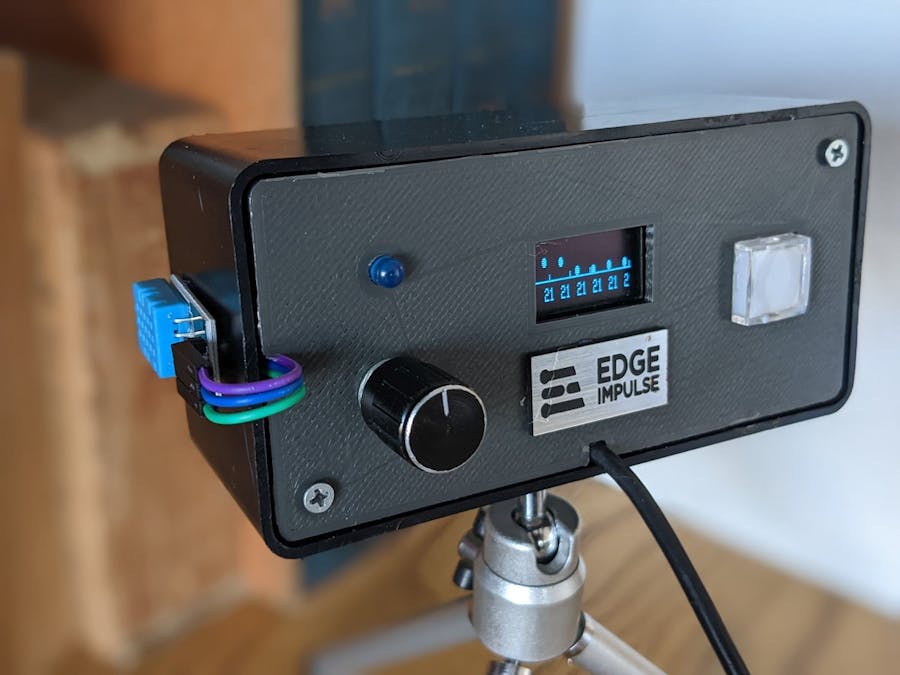
Introduction: Edenoff, a TinyML Arduino device was modified for secure and interactive demos at Maker Faire Rome 2022